

Kia UVO System Explained
Tuesday, 30 October, 2018
The Kia UVO eServices system has everything you need to get you where you need to go and keep you entertained while on the way there. It’s got the essentials as well as plenty of fun features and capability.
* EMERGENCY SERVICES *
* Roadside Assistance *
Standard on all UVO systems, being able to call for roadside assistance when there’s been a snag like a flat tire or accident is an essential feature . Just push a button and you’ll immediately be connected to help, no matter the time of day or night.
* 911 Connect *
When something dire happens, your car will call for help for you. If an airbag deploys, UVO will automatically attempt to call 911 and send your vehicle’s location to an emergency responder.
* COMMUNICATIONS & INFOTAINMENT *
* Apple CarPlay and Android Auto Compatibility *
Plug it in or connect through Bluetooth to connect your iPhone or Android to your UVO systems to utilize your favorite smartphone features on your Kia’s touchscreen.
* Hands-free Calling & Texting *
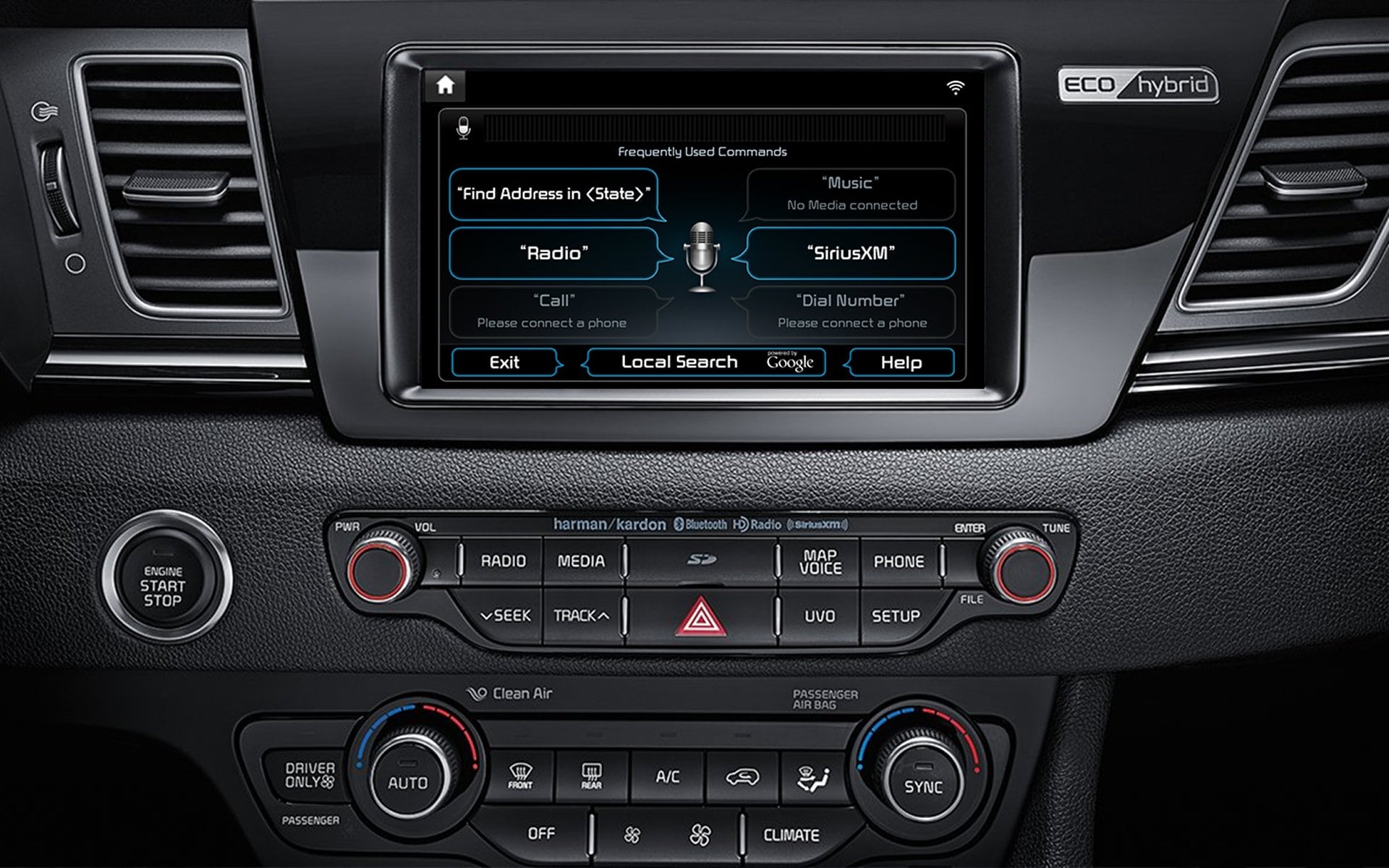
With UVO’s advanced voice recognition, you can make calls and send texts with both hands on the wheel. Texting only works with an iPhone, though.
* UVO eSERVICES APP *
With this app on your phone, you’ll get the best use out of your UVO system.
* Parking Minder *
Forgot where you parked? Your car didn’t. Your app records the location of your parked car and it can also set parking times and meter reminders.
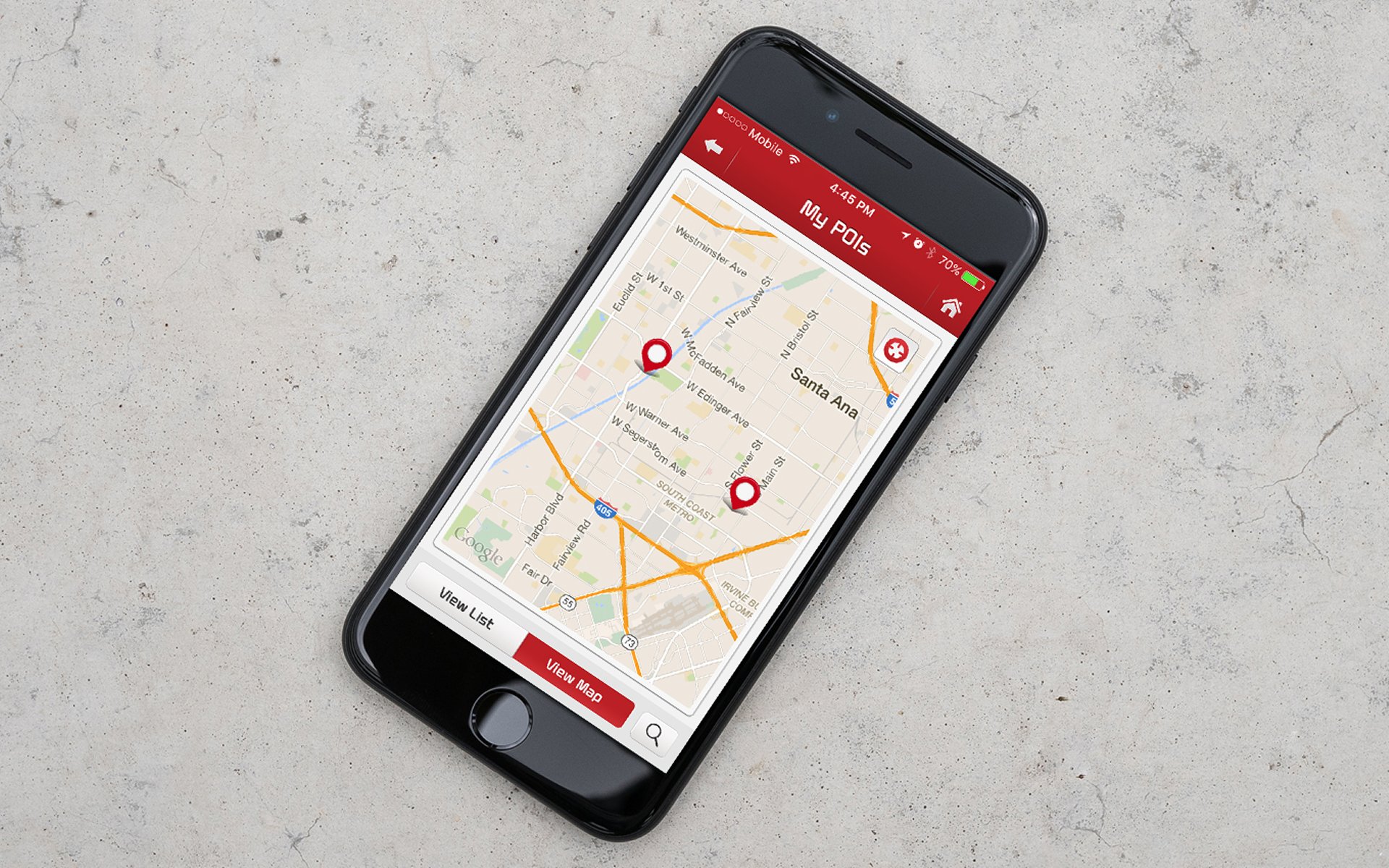
* My POIs with Send-to-Car *
You can add our favorite places on your smartphone app and the data will automatically sync with your Kia to give you turn-by-turn directions.
* Trip info *
This tracks your driving habits and gives you data each month on how fast, far and how much you drive. It also gives you a score. Pretty cool, right?
* MY CAR ZONE *
These next three features are especially helpful if you have a teenage driver.
* Curfew Limit Alert *
Set a curfew on your Kia and you’ll get a notification on your smartphone if your car is out past that time.
* Speed Alert *
If your Kia will let the driver and give you a smartphone notification if it goes above a set speed.
Geofence Alert
Set boundaries or restricted areas for your Kia, and if your vehicle goes into the restricted areas, you’ll get a smartphone notification.
* DIAGNOSTICS & SERVICE *
* Vehicle Diagnostics *
Push a button and quickly run a diagnostics check. You can also call Roadside Assistance for immediate help or schedule a service visit from your touchscreen or UVO app.
* Critical Diagnostic Alert *
Your Kia will alert you of certain critical issues with this feature. Like with the diagnostics feature, you can call for Roadside Assistance, schedule an appointment with a nearby Kia dealership (hopefully us!).
Categories : Technology
Tags : Smartphone , UVO eServices App , UVO
0 comment(s) so far on Kia UVO System Explained